

.jpg)
Web Design Trends 2026 Part 2: 6 Emerging Styles Shaping the Year
Stay updated with web design trends 2026, featuring TL;DR experience, 2.5D design, and more, plus useful implementation tips.
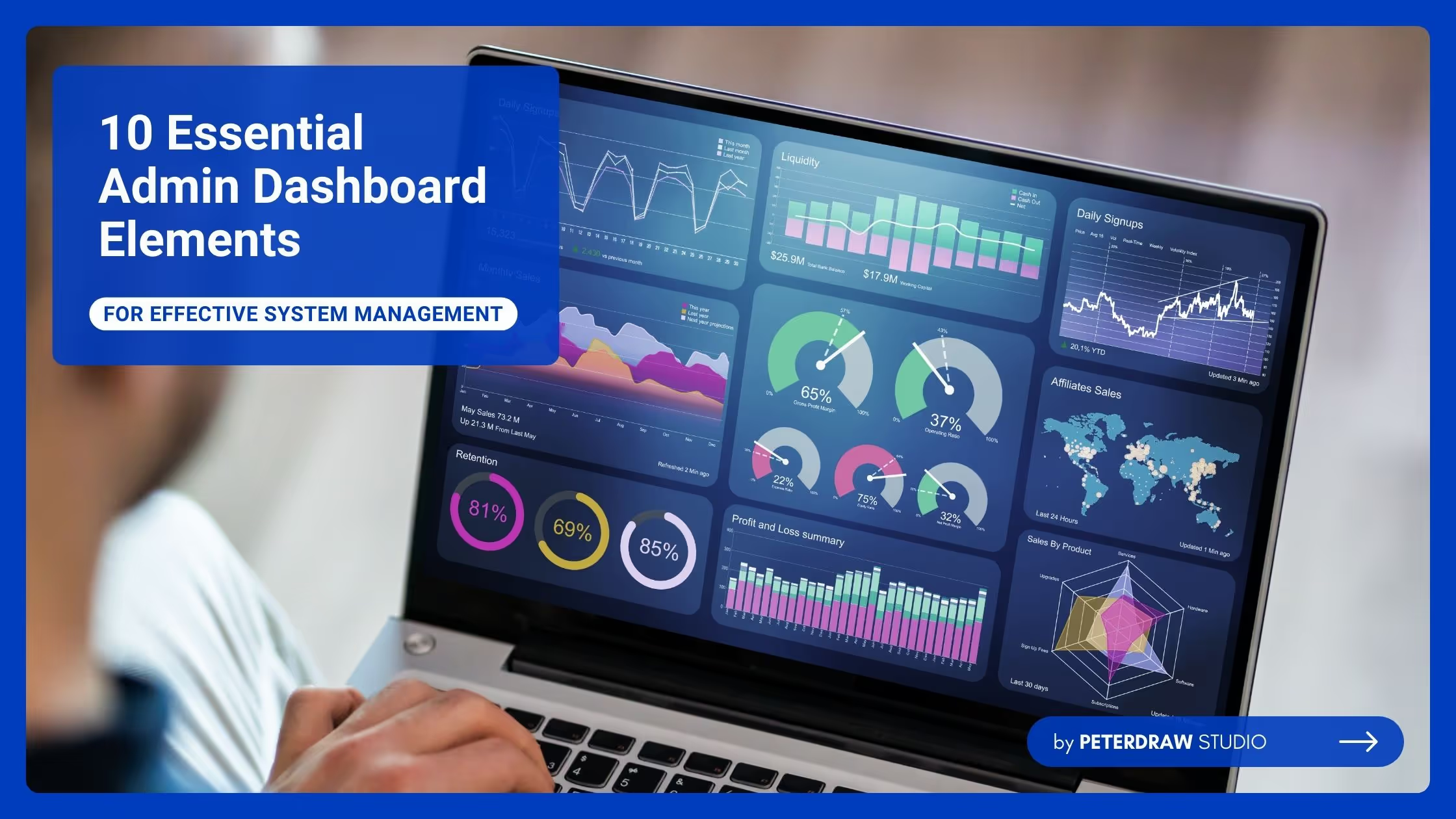


Having a well-designed and functional admin dashboard is very helpful in many ways. The dashboard will be more effective if it has every element needed to provide a comprehensive overview of important data and system functions. These admin dashboard elements ensure users can effectively monitor, manage, and optimize workflows. However, what elements must a dashboard have to function properly?
An admin dashboard is the control center for managing an application’s or platform’s back end. It allows administrators to oversee various functions such as content management, user activities, system settings, and real-time data. With widgets and tools that display alerts and analytics, the dashboard enables quick decision-making and efficient system performance monitoring.
Every dashboard may have different features and widgets based on its purpose and functionality. However, no matter what kind of admin dashboard it is, some elements should be available. These admin dashboard elements are the basics that every dashboard must have.
In any interface, a navigation menu is important. The navigation menu is essential for quick and intuitive access to different sections, such as analytics, user management, and settings. For functionality, the menu design should be clear, intuitive, and expandable. Hence, it will be easy to use. Clear labels and icons allow administrators to navigate between different parts without confusion.
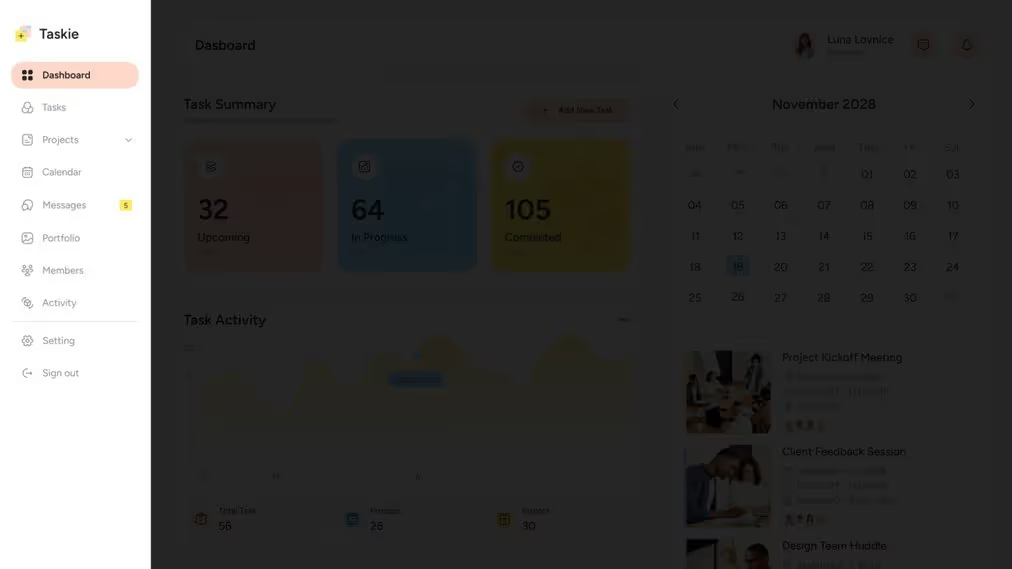
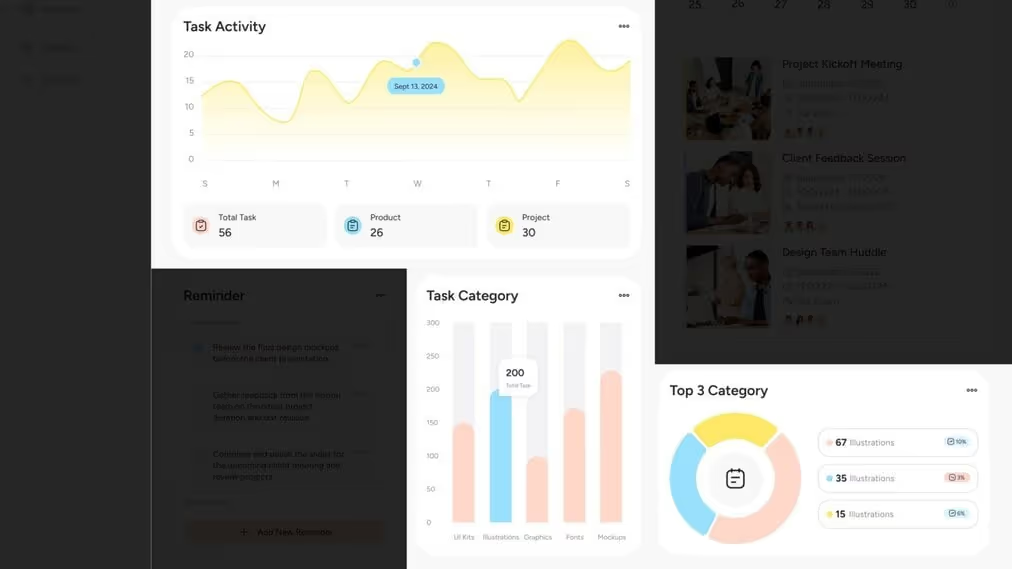
One of the features that the dashboard provides is real-time data. Therefore, analytic widgets are one of the admin dashboard elements every dashboard must have. They help admins monitor system performance at a glance. These widgets use charts, graphs, and counters to display important metrics such as sales figures, traffic data, or user activities. Using the provided data, administrators can make informed decisions quickly.
Admins can control and oversee access to the platform through the user management panel. It allows them to add or remove users, set roles and permissions, and monitor user activities. As a result, it ensures the system remains secure and organized with properly managed access levels.
Finding specific data, users, or task locations in the system will be troublesome without a search bar. The existence of a search bar can make the admin work more effective and avoid wasting time navigating manually. Furthermore, the dashboard can improve workflow and productivity with an intuitive search feature.

The search bar is not the only thing that can help the data needed quickly. Data filters and sorting capabilities in the dashboard allow administrators to manipulate and organize data efficiently. These tools refine large datasets by filtering out unnecessary information. They also sort data based on specific parameters, making analysis easier.
A dashboard must have a notification center for the latest critical events, updates, or system issues. This center keeps admins informed in real-time, ensuring that any necessary actions can be taken promptly. So, there are no delaying actions to address problems or respond to important updates.
Other than those admin dashboard elements, a dashboard also must have task management features. The features allow administrators to organize, prioritize, and track progress on various tasks. Task management has options such as assigning tasks, setting deadlines, and monitoring their completion status. Those options ensure that workflows are streamlined, and tasks are completed on time.
A performance overview section is essential for summarizing key performance indicators (KPIs) in one view. The overview provides a snapshot of the system’s health for quick assessments by administrators. It allows them to determine if everything is running smoothly or needs further attention.
The ability to generate and export reports is crucial for analyzing system performance or sharing information with stakeholders. Admins can create custom reports tailored to specific needs and export them in formats like CSV or PDF. It makes data presentation and external.
A support and help center is indispensable for providing quick access to user guides, FAQs, or customer service. It ensures administrators have the resources to troubleshoot issues and navigate complex features. This center reduces downtime and enhances overall system usability for smoother operations.
When applying admin dashboard elements, it’s essential to focus on functionality and ease of use. Effective design helps administrators manage tasks, monitor data, and improve workflow efficiency. Here are some tips you can consider when applying the elements.
Tips for Applying Admin Dashboard Elements
When applying admin dashboard elements, it’s essential to focus on functionality and ease of use. Effective design helps administrators manage tasks, monitor data, and improve workflow efficiency. Here are some tips you can consider when applying the elements.
Applying the right elements ensures a more effective and user-friendly experience for administrators. By focusing on key features like data visualization, intuitive navigation, and user management, you can create a functional and streamlined dashboard. Remember, well-designed admin dashboard elements improve productivity and make system management much more efficient.

