

.jpg)
Web Design Trends 2026 Part 2: 6 Emerging Styles Shaping the Year
Stay updated with web design trends 2026, featuring TL;DR experience, 2.5D design, and more, plus useful implementation tips.


AI-generated design is reshaping how teams approach graphic and web projects today everywhere. AI tools like Midjourney, DALL-E, and Adobe Firefly turn prompts into visuals quickly. Designers can draft layouts, imagery, and prototypes without starting from blank canvases first. Today, many workflows already rely on these systems for faster ideation daily.
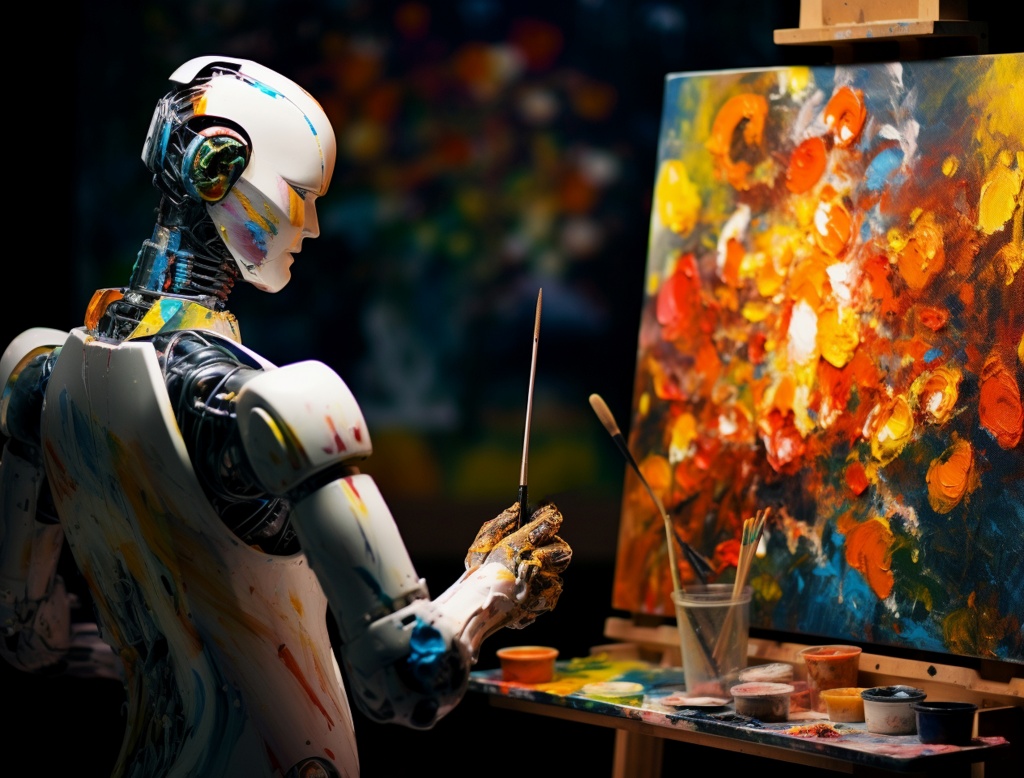
Recent surveys suggest a majority of designers now experiment with AI-assisted creation regularly. The gain is speed: concept variations appear in minutes, not hours or days. Yet humans still guide direction, refine typography, and ensure brand consistency carefully, always. This blend of automation and judgment keeps outputs useful, original, and audience-ready today.
Inside design suites, AI features can generate posters, illustrations, and logo explorations instantly. They also help extend photo backgrounds, match styles, or propose palette directions quickly. For web work, builders like Wix, Framer, and Uizard suggest responsive layouts from descriptions. Teams can iterate wireframes faster, then polish interactions, content hierarchy, and accessibility details.
Graphic design has seen profound changes from AI-generated design. Leading tools empower creators to produce high-quality images, edit photos intelligently, and generate variations effortlessly. Here are some of the top graphic design tools with AI support.
Meanwhile, current trends include maximalism with bold, layered elements and animations. They also show a rebellion against AI perfection through textured grain and hand-crafted imperfections. Artisanal minimalism is rising, too, with warmer tones and tactile details. Designers blend AI outputs with human touches to keep work authentic. At the same time, brands experiment with hybrid campaigns across channels.
Benefits abound: AI accelerates prototyping, suggests color palettes, and automates repetitive tasks. It can also handle background removal or resizing without slowing designers down. Designers report saving significant time, which frees them for more strategic thinking. Some brands, like Nike, have leveraged AI to support innovative campaign work.
However, drawbacks still exist, and they can be hard to ignore. AI may produce generic outputs, or it may inherit bias from training data. Ethical concerns around copyright and originality also persist across many industries. These concerns push teams toward hybrid human–AI approaches for safer, clearer accountability.
Web design AI takes automation further. Builders like Hostinger, Durable, and v0 by Vercel create complete websites from prompts describing business type, style, and pages needed. Features include AI-written copy, SEO optimization, and responsive layouts.
Tools such as Relume for component libraries and GitHub Copilot for code assistance streamline development. Designers input sketches or text, and AI outputs interactive prototypes or production-ready code. This democratizes web creation, allowing non-experts to launch professional sites quickly.
Pros include rapid iteration and personalization. AI analyzes user behavior for adaptive interfaces. Cons involve limited customization for complex sites and potential over-reliance, leading to homogeneous designs.
AI tools are changing how teams plan, explore, and ship visual work. In practice, they help designers move from idea to draft much faster. They also lower the skill barrier for early concepts. Still, the biggest value appears when people guide decisions and polish details.
The advantages of AI-generated design are clear:
Yet challenges remain, especially when quality and trust matter. AI can speed up output, but it does not always understand context. It may repeat patterns or miss nuance. Teams also face questions about ownership and fairness, which makes review and responsibility essential.
Experts emphasize hybrid approaches: AI as a co-pilot, with humans providing taste, strategy, and emotion.
To produce AI-generated design that feels professional, original, and genuinely useful, you need more than a good tool. Use these tips to keep your outputs consistent, brand-ready, and easier to ship.
Write prompts with clear style, mood, colors, composition, and references. Add quality cues like lighting, camera angle, materials, and resolution. The more precise your input, the more predictable and controllable the output becomes.
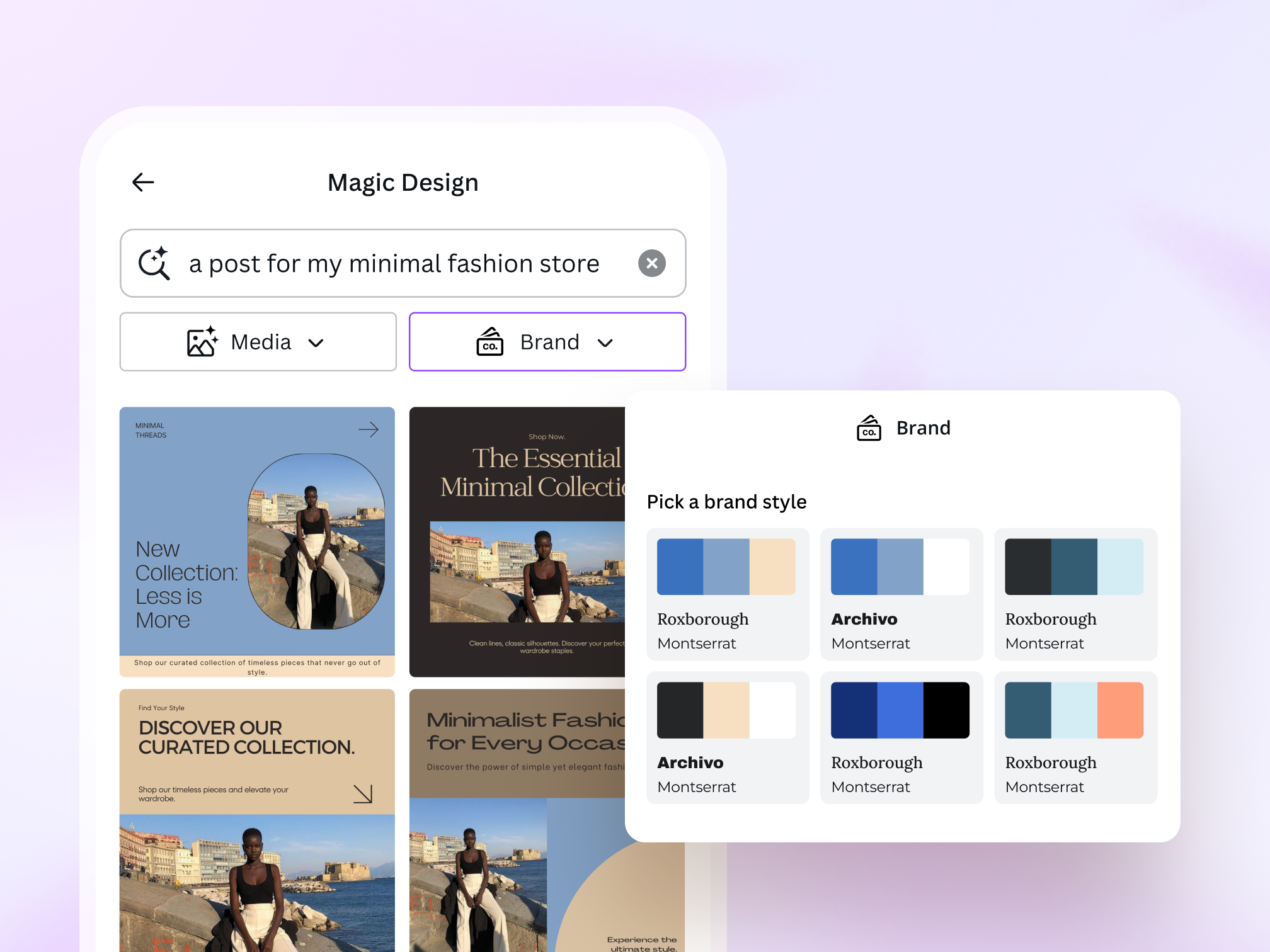
Generate multiple options, then select the strongest direction and refine it. Use upscaling, remix, or inpainting to fix small parts without restarting. Iteration turns “almost right” results into something polished and usable.
Use one tool for concept exploration, then move to another for precision edits. Finish inside a layout tool for typography, spacing, and export-ready formats. A pipeline approach keeps quality high and reduces manual rework.
Edit outputs to match your brand, not the model’s default style. Adjust typography, contrast, spacing, and color balance to avoid generic results. Small human decisions create personality, clarity, and better communication overall.
Review licensing rules, model policies, and asset ownership before publishing. Prefer tools or models designed for commercial use when possible. This step protects your work from takedowns, disputes, or brand trust issues later.
Design is moving into a phase where direction matters more than execution speed. The teams that stand out will be the ones who can define taste, set constraints, and protect clarity. When every brand can generate “pretty,” the real advantage becomes choices: what to keep, what to remove, and what to say.
So treat your workflow like a studio, not a slot machine. Build prompt libraries, set review checklists, and track what performs across real audiences. Pair fast exploration with slow thinking, and your work will stay human. That’s how you keep trust while scaling output with AI-generated design.

