

.jpg)
Web Design Trends 2026 Part 2: 6 Emerging Styles Shaping the Year
Stay updated with web design trends 2026, featuring TL;DR experience, 2.5D design, and more, plus useful implementation tips.


When starting your journey in website building, you may come across a content management system (CMS). It’s a tool designed to make handling online content much easier. A CMS allows individuals and businesses to manage digital content without technical complexity. Before diving into the details, let’s start with a clear definition of what a CMS is and how it works.
A CMS is software that helps users create, manage, and modify website content. You don’t need advanced coding skills to use it. The system separates content from design. This allows you to update text, images, or videos without altering the website’s layout.
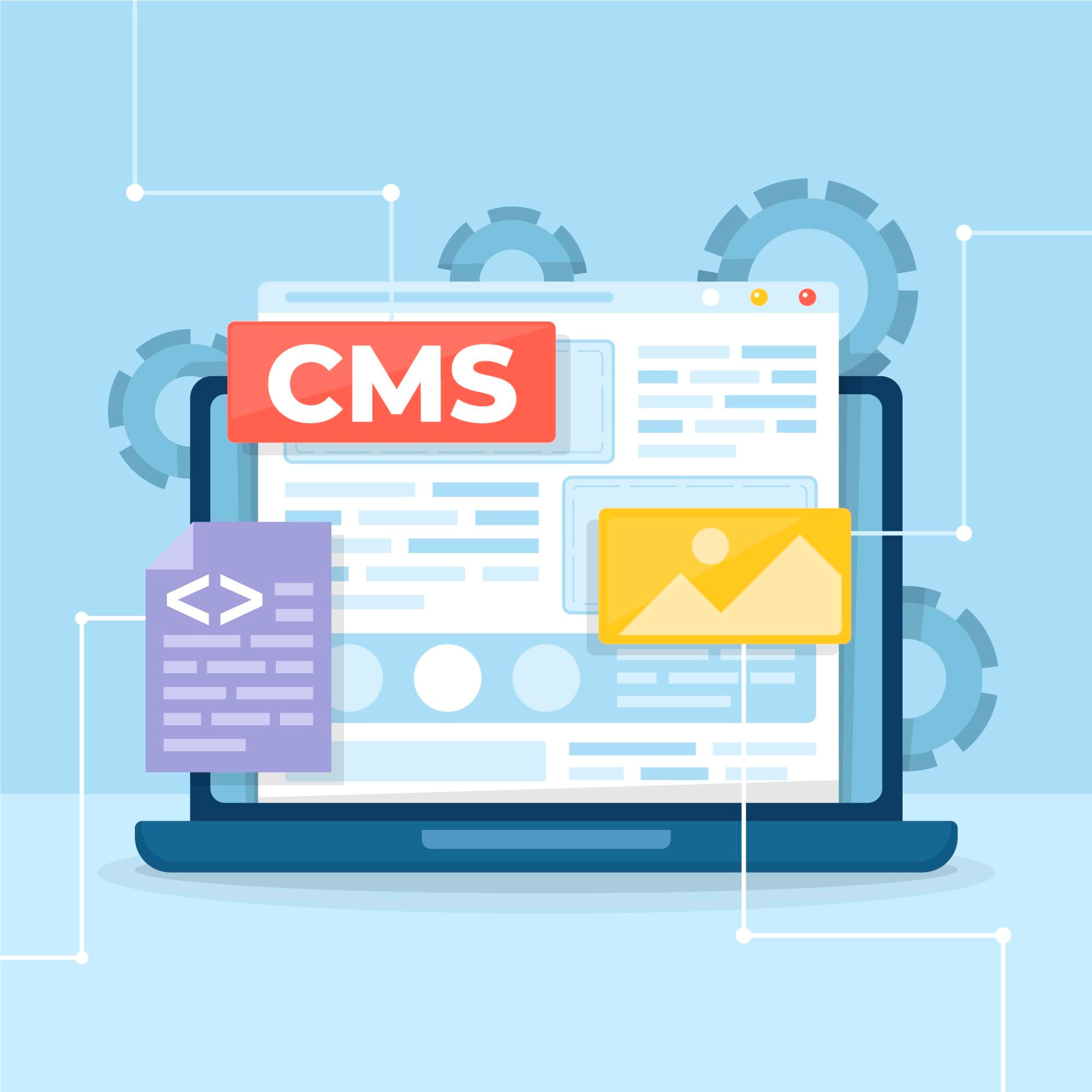
Think of it as a toolbox filled with digital features. It supports editing, publishing, and organizing tasks. Many CMS platforms are beginner-friendly. Most use drag-and-drop interfaces, making content management simple and accessible for all users.
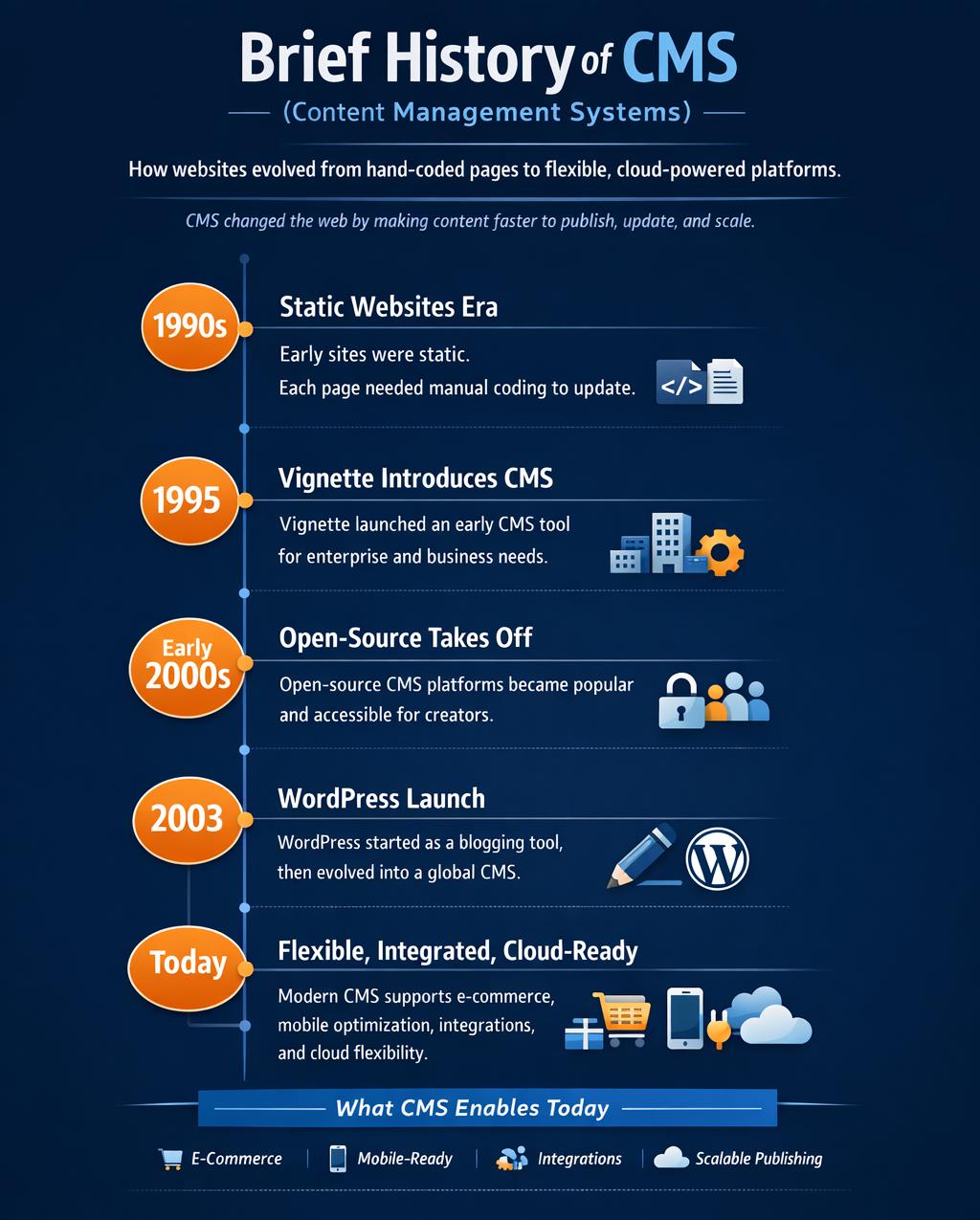
The concept of a CMS emerged in the 1990s. Early websites were static, requiring manual coding for each page. This process was slow and difficult to scale. In 1995, Vignette introduced one of the first CMS tools, focusing mainly on enterprise-level needs and complex business requirements.
By the early 2000s, open-source platforms gained significant traction. WordPress began in 2003 as a simple blogging platform. It later evolved into a full-featured CMS used worldwide. Today, CMS technology supports e-commerce, mobile optimization, and advanced integrations. Cloud computing has also made CMS platforms more flexible, accessible, and widely adopted.
Using CMS brings many benefits, especially in website management and publishing. It reduces dependence on developers for routine changes. The main advantages can be summarized into these points.
These benefits make a CMS ideal for small businesses or bloggers. Larger companies also benefit from structured collaboration and workflow control. With flexible features and easy customization, a CMS supports both beginners and experienced website managers. Ultimately, it’s a long-term solution for building strong digital presence.
A content management system fits many scenarios, making it a versatile solution. It helps individuals, small businesses, and large organizations maintain their online presence. Here are some of the most popular and practical applications worth highlighting.
In each case, a CMS for website streamlines operations and management. It reduces technical barriers while improving efficiency and consistency across projects. This flexibility makes CMS platforms valuable for creators, entrepreneurs, and institutions alike.
Ever wonder what happens inside a CMS? It’s not magic at all. A CMS has three main parts: the frontend, backend, and database. The frontend is the part visitors see. It displays website design and content in an accessible and user-friendly way.
The backend is the admin area where editing happens. It connects directly to the database, which stores text, images, and user information. When someone visits, the CMS pulls data from the database. It applies templates, then shows the final page. For example, WordPress dashboards let users add new posts easily.
To understand the overall structure, it helps to look at diagrams. One simple model from devopedia.org shows how the backend UI, system code, and database interact seamlessly. Together, these elements handle content creation, storage, and presentation. The frontend displays the output, while the backend ensures everything runs smoothly behind the scenes.
Another perspective comes from researchgate.net, which illustrates enterprise-level CMS architecture. This version highlights larger systems with more complex connections. Data flows smoothly from storage to the interface, ensuring accurate updates. Administrators can track processes more closely, manage larger teams, and integrate additional services. Such architecture supports scalability for businesses handling high content volumes daily.
In practice, the process is straightforward but highly effective. A user logs into the admin panel and edits content. Once saved, the information updates the database instantly. The CMS then refreshes the website automatically. This seamless loop makes managing a website efficient, reliable, and accessible for all.
There are many CMS options available today, each with unique strengths. Some platforms are designed for simplicity, while others focus on scalability. Let’s compare some of the top systems that continue to dominate the CMS landscape worldwide.
When choosing, consider your skills, resources, and long-term goals carefully. The right CMS will align with your vision and support future growth.
A content management system continues to shape how we create and manage websites. It encourages innovation by lowering barriers to entry for creators. Businesses can focus on strategy instead of technical hurdles. As technology evolves, CMS platforms will keep adapting, offering flexibility and power for the digital future.

