

.jpg)
Web Design Trends 2026 Part 2: 6 Emerging Styles Shaping the Year
Stay updated with web design trends 2026, featuring TL;DR experience, 2.5D design, and more, plus useful implementation tips.


Animation is one element that makes a website more appealing to explore and experience. It adds movement, guides attention, and keeps visitors curious. When done well, animation feels smooth, purposeful, and light. It supports storytelling and makes key actions easier to notice. Lottie animation brings a fresh approach that enhances performance without adding heaviness.
This format is a game-changer for designers and developers who value speed. It uses lightweight, vector-based files that stay crisp on any screen. It boosts engagement on websites and supports micro-interactions in apps. You get flexible control without sacrificing performance or loading time.
Lottie Animation is a JSON-based format for high-quality, vector-based motion graphics. It runs smoothly across web, mobile, and desktop platforms. It gained popularity through Airbnb’s work around 2017. Using the Bodymovin plugin for After Effects, designers export animations as JSON. These files render efficiently and avoid heavy raster formats like GIFs.
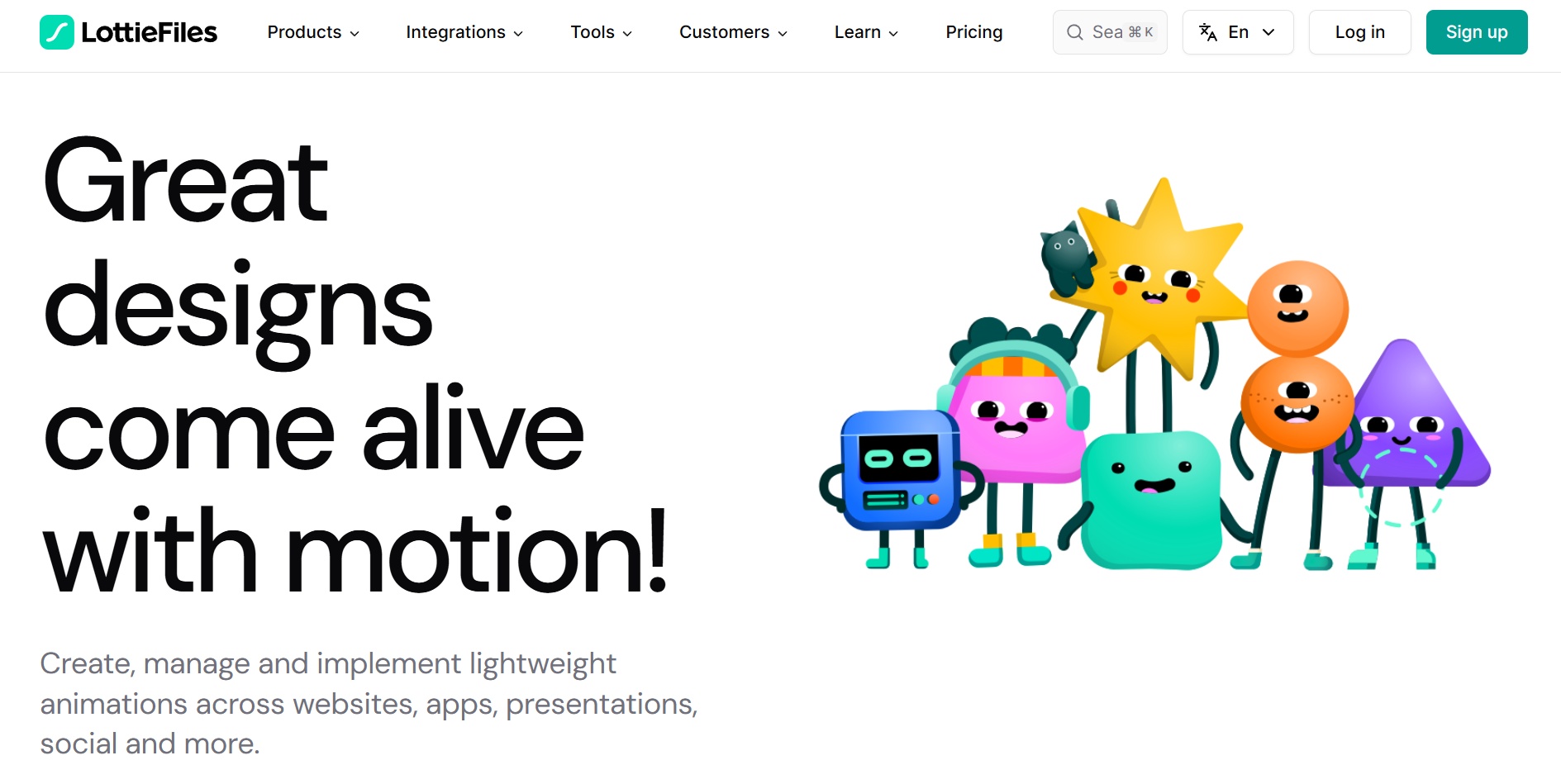
The history of Lottie began in 2015 when Hernan Torrisi released Bodymovin, enabling After Effects animations to serialize as JSON. In 2017, Airbnb engineers open-sourced Lottie libraries to render these animations on platforms. The name “Lottie” is widely linked to Charlotte “Lotte” Reiniger, a pioneering animator.
As a modern way to add motion to digital interfaces, Lottie brings vector animations into websites and apps through a JSON workflow. This makes it easy for designers and developers to collaborate. It also helps teams keep motion consistent across different screens and platforms with these benefits:
To integrate Lottie Animation, start with a player library or a platform plugin. Choose JSON or dotLottie based on your workflow and target platform.
Use the LottieFiles lottie-player web component from npm or a CDN. Load the script, then place the <lottie-player> element in your markup.
<script src="https://unpkg.com/@lottiefiles/lottie-player@latest/dist/lottie-player.js"></script>
<lottie-player
src="your-animation.json"
background="transparent"
speed="1"
style="width: 300px; height: 300px;"
loop
autoplay>
</lottie-player>
Use dedicated packages like lottie-web, react-lottie, or vue-lottie for Vue projects. Import the JSON file, then render it through components with simple configuration props. Common props control autoplay, hover behavior, loop settings, and playback direction as needed.
Plugins like Lottie Player or Elementor add-ons let you upload JSON. Enable responsive sizing options so animations scale cleanly across breakpoints and devices easily. Host files on your server or the LottieFiles CDN for stable delivery everywhere. Finally, test across browsers, and consider rLottie where GPU acceleration is limited often.

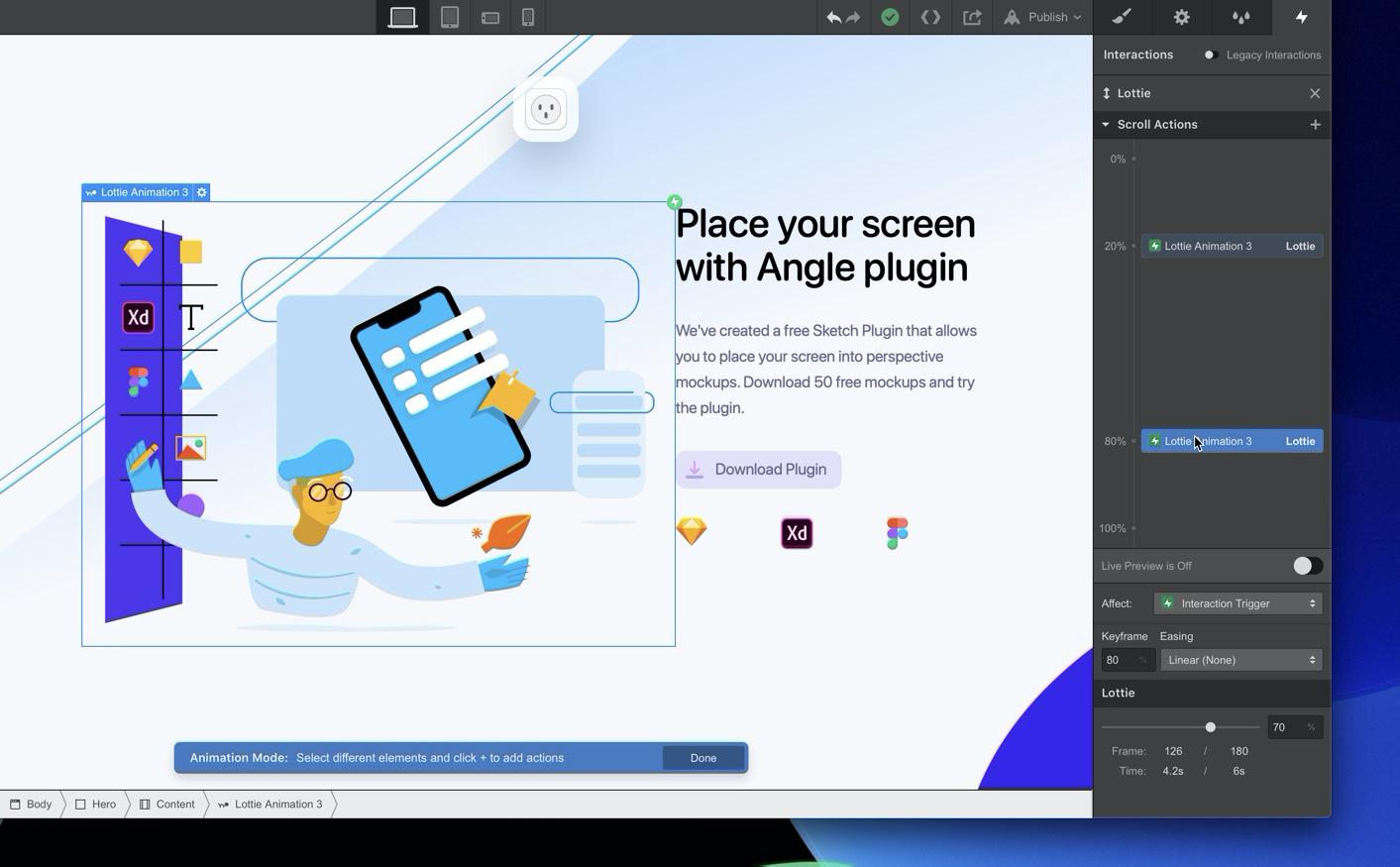
Webflow supports Lottie with a built-in Lottie element right inside the Designer. You can also install the official LottieFiles app from Webflow’s Marketplace to browse a huge animation library or upload your own JSON or dotLottie files. Customize colors and speed, then trigger hover, scroll, or click animations using Interactions. For CMS sites, bind animation URLs to collection fields.
Lottie Animation excels in scalability and interactivity but has trade-offs compared to alternatives like SVG SMIL or CSS animations.

Overall, pros dominate for professional designs, but simpler needs might favor CSS for zero dependencies.
A little planning goes a long way with motion design. Use these practical guidelines to keep animations smooth, fast, and consistent. They also help maintain a clean user experience across different devices.
The more digital products compete for attention, the more motion earns its place. Modern interfaces use JSON-based vector motion to create immersive, responsive experiences. Travel and retail teams animate maps, loaders, and product reveals on scroll. Combine it with Three.js for 3D hybrids, or Framer Motion for React transitions. The dotLottie container is gaining traction for bundling multiple animations in one file.
Expect Lottie Animation tooling to lean on WebGPU for smoother playback at higher frame rates. AI features may generate motion from text prompts, then export ready-to-use JSON assets. Always vet third-party libraries and keep players updated to reduce supply-chain and runtime risks.

