

.jpg)
Web Design Trends 2026 Part 2: 6 Emerging Styles Shaping the Year
Stay updated with web design trends 2026, featuring TL;DR experience, 2.5D design, and more, plus useful implementation tips.


The increase in the use of websites and applications has increased demand for web and app design development. The goal is to provide users with comfortable performance in terms of design and experience. To catch this increased demand, UI/UX designers should work quicker but deliver top results. The emergence of no-code tools for UI/UX designs makes it possible for designers to design and build web and apps with those qualities.
Some doubts may still occur while using the tools. However, they offer various benefits that align with the users’ needs and demands. Let’s find out more about the tools, their benefits, lack, and recommended tools to develop the design.
No code tools for UI/UX design are platforms that allow their users to create user interfaces, prototypes, and even fully functional digital products without writing any code. It enables designers and non-designers to use them effortlessly to make high-quality digital products.
These tools offer visual design environments and drag-and-drop editors for easy interface creation. Moreover, real-time collaboration features help teams accelerate the transition from design concepts to functional prototypes. Specifically, they are handy for:
To keep up with the fast-paced digital landscape, UI/UX designers need tools that empower speed, flexibility, and collaboration. No-code platforms meet those needs. They transform the way design teams work, making it easier than ever to bring ideas to life without touching a single line of code. Here are reasons why no-code tools are becoming essential in modern UI/UX design.
No-code tools for UI/UX design sure lend designers great help to work more effectively and efficiently. There are lots of platforms to choose from to make one. However, to have the best result that is easy to use by more people, designers have to pick carefully what to use. Below are recommendations of no-code tools that every UI/UX designer should consider.
Penpot is a relatively new browser-based, open-source UI/UX design tool. It gains its popularity among teams seeking freedom from proprietary platforms. The platform supports team-based workflows and integrates with standard design formats. As an open ecosystem, it’s ideal for organizations with privacy concerns or developers who prefer open standards. While still evolving, it’s a promising choice for collaborative, design-centered teams.
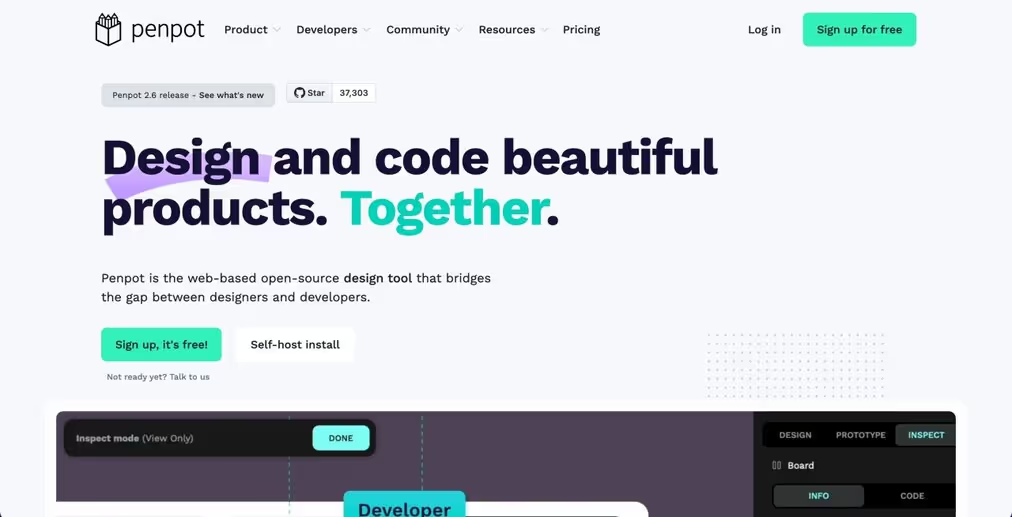
Developer: Kaleidos Open Source
First Released: 2021
Platform: Web-based (cross-platform)
Best for: Open-source teams & cross-platform design collaboration
Best Features:
Lacks:
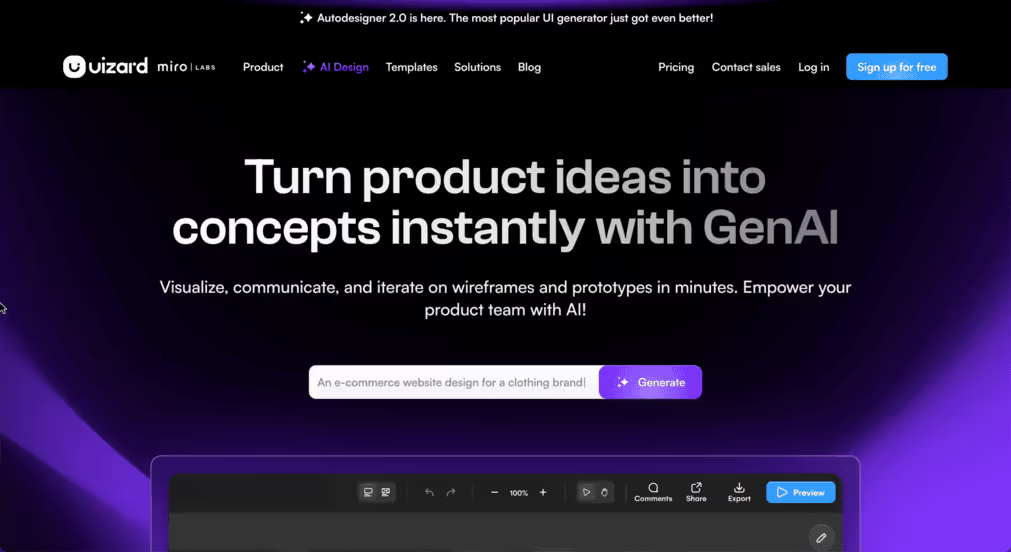
If users don’t need pixel-perfect design and only need to quickly visualize app or web concepts, UIzard will be a great choice. Among other no-code tools for UI/UX design, this tool makes it super easy to turn hand-drawn sketches or wireframes into digital UI designs using AI. The tool focuses on speed and simplicity, allowing you to build interfaces in minutes using pre-made components. It’s more about speed and validation than pixel-perfect design.
Developer: Uizard Technologies
First Released: 2020 (public beta)
Platform: Web-based
Best For: Beginners, marketers, and fast MVP design
Best Features:
Lacks:
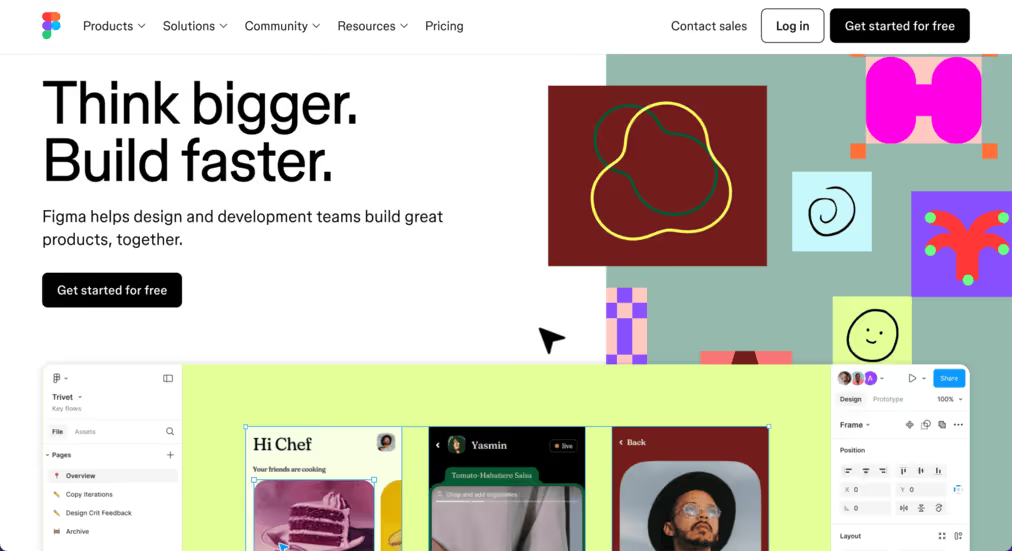
Speaking of No-Code Tools for UI/UX design, Figma is one that any designer should try and use. It may be not fully no-code builder, but its design and prototyping features are industry-leading. This cloud-based design powerhouse redefines how teams collaborate on UI/UX. It enables seamless communication across teams, with a rich set of tools for components, states, and versioning. Designers love it for its clean interface, plugin support, and real-time editing capabilities.
Developer: Figma, Inc.
First Released: 2016
Platform: Web-based (with desktop apps)
Best for: Collaborative design and interface prototyping
Best Features:
Lacks:
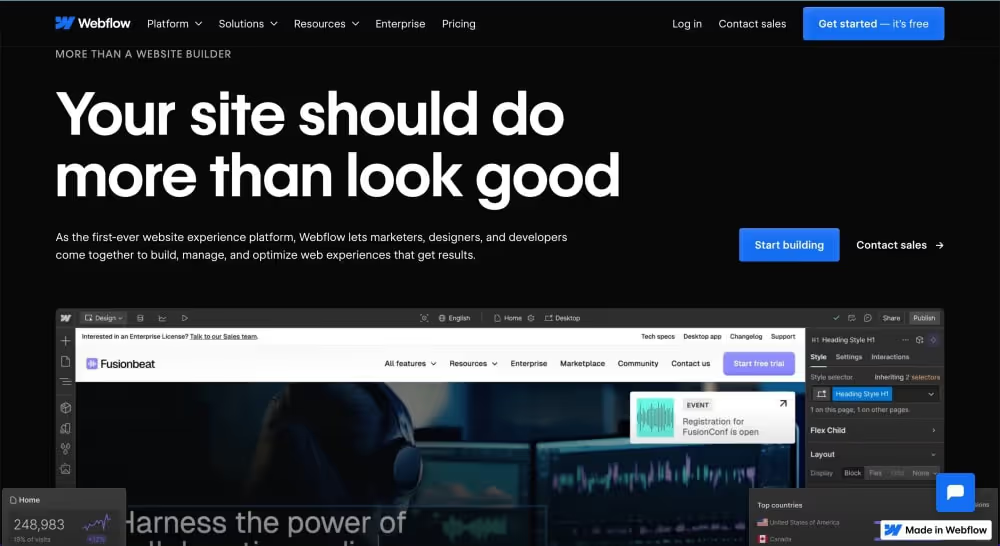
Not only visual design use the no-code platform, but they can also get fully functional websites with Webflow. Webflow blends design, CMS, and hosting all in one, making it perfect for launching live products. Many professionals love this platform for its pixel-precision control and flexibility, while also supporting dynamic content and SEO. It’s both a design tool and a launchpad, especially for creative teams and freelancers.
Developer: Webflow, Inc.
First Released: 2013
Platform: Web-based
Best for: Designers building pixel-perfect, responsive websites
Best Features:
Lacks:
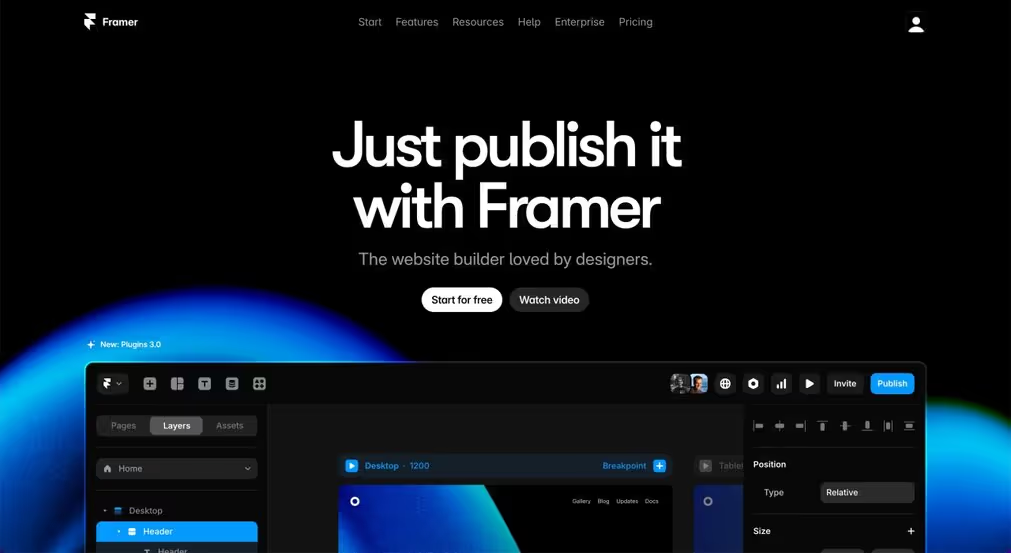
Last but not least, there’s Framer as a top-tier no-code tool in UI/UX design. It allows designers to create visually rich, interactive designs and publish them as live websites—all without coding. The platform stands out for its ease of use, responsiveness, and support for design systems. Moreover, it supports powerful animations and real-time collaboration, blending the creative and launch phases beautifully.
Developer: Framer B.V.
First Released: 2014 (as Framer Studio), 2022 (Framer Sites for no-code)
Platform: Web-based
Best Features:
Lacks:
Choosing the right no-code tools can significantly improve your UI/UX design workflow. These platforms help designers work faster, smarter, and with fewer technical limitations. They’re ideal for turning creative ideas into interactive, user-friendly digital experiences. Explore more no-code tools for UI/UX design to stay ahead in the evolving industry.

