

.jpg)
Web Design Trends 2026 Part 2: 6 Emerging Styles Shaping the Year
Stay updated with web design trends 2026, featuring TL;DR experience, 2.5D design, and more, plus useful implementation tips.
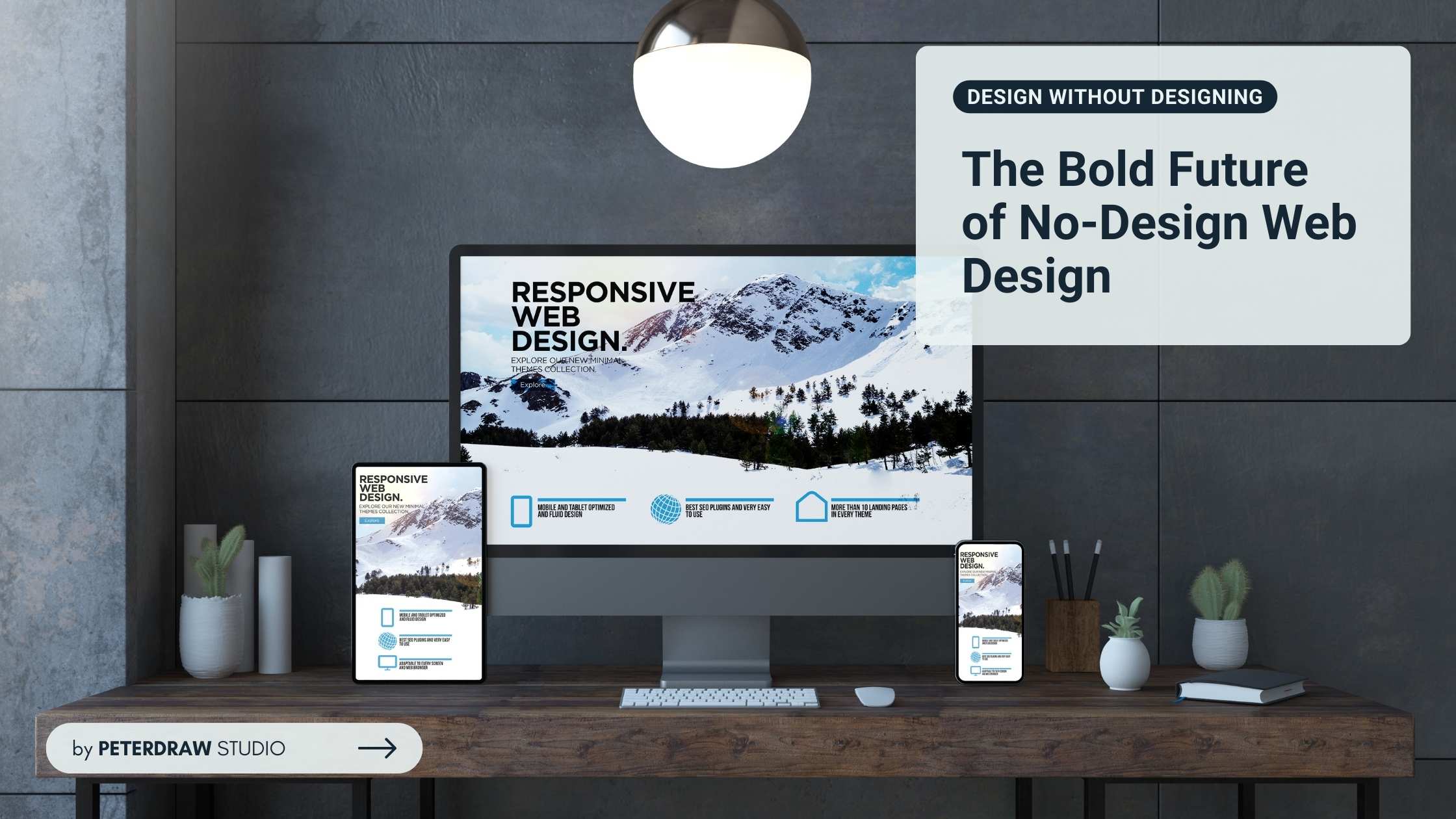


Creating a website that captivates users doesn't require expert design skills. Enter no-design web design, a refreshing approach that removes unnecessary complexity to emphasize clarity and usability. It allows anyone to create a website without fully designing it. Instead of obsessing over visual flair, it focuses on structure, function, and intuitive navigation. It shows that simplicity can create stronger digital experiences.
Even you can create your own website when you learn the trick. How to make it right? Let's find the answers.
No-design web design simplifies how people create websites, removing the need for advanced design skills. It’s the next step after no-code platforms, bringing accessibility to visual creation. Imagine sketching ideas freely and instantly turning them into websites. No pixel perfection, no clutter, just effortless creativity.
Unlike traditional web design filled with animations and complex themes, this approach values simplicity. Every element has a reason to exist. AI-powered tools like Uizard or Canva automate layouts based on your content. They produce fast-loading websites that focus on clarity, purpose, and seamless navigation.
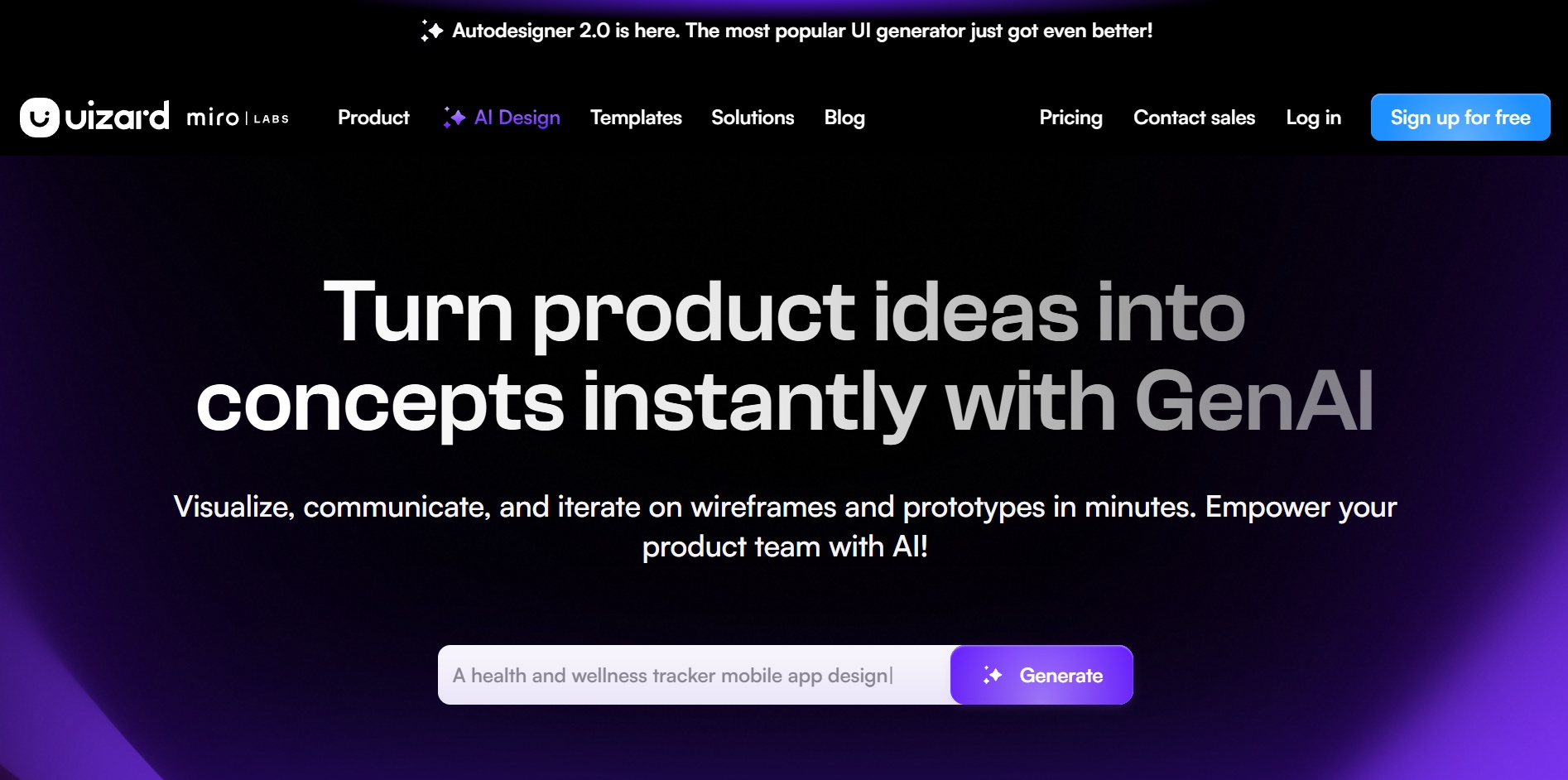
This isn’t taking the easy route. It’s about mindful restraint, choosing what truly matters and leaving out the rest. Born from the no-code revolution, it highlights that usability and relevance matter most. Platforms like Squarespace auto-arrange your content into elegant grids. They help creators build effective, user-centered websites without needing deep design expertise.
In essence, no-design web design proves that minimalism can empower. It’s an invitation to explore how less effort and more intention can create meaningful results. Dive deeper, and you’ll see how this movement transforms simple ideas into impactful digital experiences.
Why bother with no-design web design when glossy templates abound? The advantages are profound, especially for solopreneurs or bootstrapped teams aiming for speed and efficiency.
To master no-design web design, focus on principles that prioritize clarity, usability, and purpose over decoration. Here's the core principles.
Begin with what truly matters: your message. Build layouts around text, visuals, and calls-to-action that solve real problems. Tools like Uizard suggest clean structures that highlight content naturally. When users can scan easily, they stay longer and connect faster with your purpose.
Great design disappears into the background. Navigation should feel instinctive, letting users complete actions without thinking. Observe how people browse, then simplify paths and interactions. When everything feels familiar and frictionless, your site quietly earns trust through its usability.
Set creative boundaries that guide clarity. Use a minimal color palette, limited fonts, and generous white space to maintain focus. Grid layouts add structure without stiffness. Constraints free you from endless options, allowing your design to feel cohesive, balanced, and refreshingly simple.
Ready to roll up your sleeves? Here are battle-tested tips to implement no-design web design today, blending tools, mindset, and iteration.
You don't need a design bootcamp. Spend an afternoon on free tutorials for fundamentals like visual hierarchy and flow. Sites like freeCodeCamp offer web design modules tailored for beginners. Focus on: Does this layout direct attention logically? Is text scannable at a glance?
Pro tip: Use browser dev tools to inspect sites you love. Right-click, "Inspect," and tweak elements live. It is hands-on learning without commitment.
Jumpstart with platforms built for non-experts. Uizard's AI turns text prompts into wireframes, ideal for content-first web design. Canva excels at graphics, while Webflow's visual editor handles responsive layouts without code.
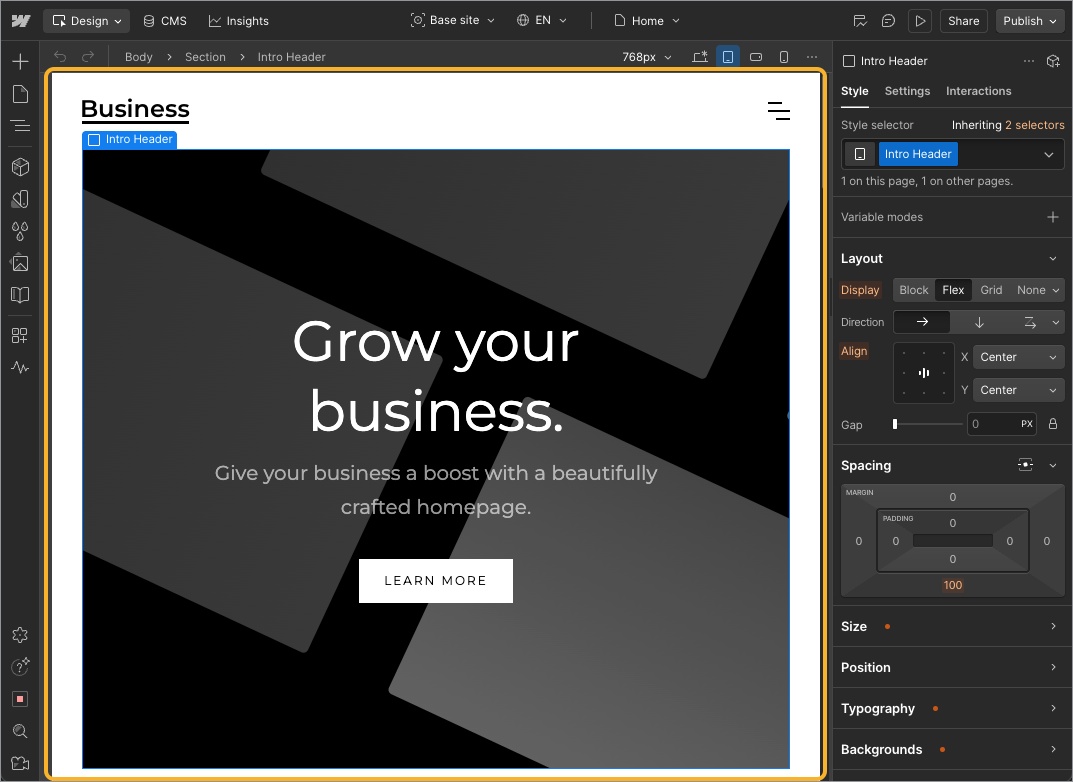
Start small: Build a single-page site. Drag in components, swap placeholders with your content, and preview on mobile. Iterate based on self-tests. Time how long tasks take.
Even in no-design, users reign supreme. Create personas: Who's your audience? A busy parent seeking recipes or a tech pro hunting tools? Test prototypes with five real users via tools like UserTesting.com.
Incorporate feedback incrementally. Roll out changes gradually. Perhaps A/B test two navigation styles. This agile mindset keeps your site evolving without redesign overhauls.
No-design web design thrives on practicality, so weave in SEO early. Use keyword-rich headings (like H1 for your main topic), alt text for images, and fast-hosting like Netlify. Compress visuals with tools like TinyPNG to maintain minimalist web design speeds.
Track with Google Analytics: Aim for under-3-second load times and sub-50% bounce rates. These metrics validate your unobtrusive approach.
Don't go solo. Share editable prototypes with stakeholders for inline comments. Tools like Figma's free tier support this seamlessly.
Remember, perfection is the enemy. Launch imperfectly, measure, refine. As your site matures, layer in subtle enhancements, like micro-interactions, only if they enhance usability.
The toolkit for no-design web design has exploded with AI-powered no-code platforms that automate layouts and prioritize content-first web design. These tools eliminate the guesswork, letting you focus on your message while they handle the rest. Here's a curated selection of the top performers, chosen for their ease, speed, and alignment with minimalist web design principles.

