

.jpg)
Web Design Trends 2026 Part 2: 6 Emerging Styles Shaping the Year
Stay updated with web design trends 2026, featuring TL;DR experience, 2.5D design, and more, plus useful implementation tips.


The terms UI and UX are familiar to hear nowadays. Both are actually essential to give a great experience for the users. However, most people still get confused to differentiate them. Some people may think that those two are completely the same. Meanwhile, others find the two terms interchangeably. Thus, this article will explore what makes them different and why they hold a crucial role in web and technology development.
UI stands for a user interface that focuses on the interaction of the users and the surface of the program. The users will mostly get in touch with the elements like buttons, menus, screens, and even the lights as well as the sounds. Wonder not that the designers of UI will work hard in designing the program’s interface. They need to make sure that the visual aspects like typography, layout, color palette, animation, and images go well in one harmonization. Thus, the designers need to make the UI of a web or program easy to use and visually aesthetic.
On the other hand, UX or user experience focuses on the experiences that the users will get when they use the program. Thus, creating a simple program flow that can encourage the users is the main point that the designers always think about. They have to ensure the users find it fun and easy while running digital products.
At this point, you have already known what UI and UX are. There are a couple of things that make those two completely different. Here’s a list of the key difference between the user interface and user experiences that we have summarized.
Instantly, we can conclude that UI works on the surface, while UX will take care of the journey and the experiences of the users. Or in a simple way, you can see the picture below to understand more.
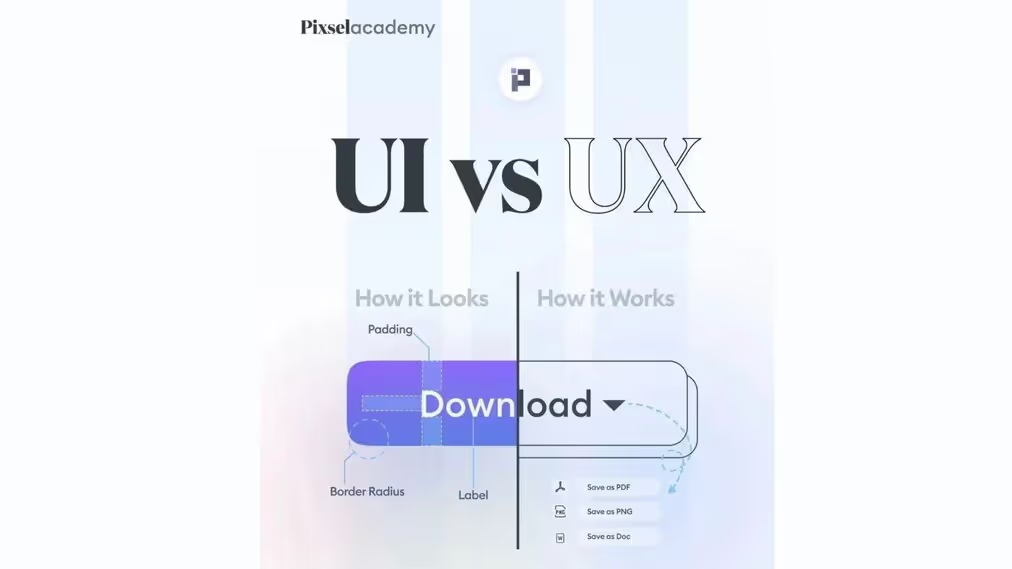
After understanding the difference between UI and UX, perhaps a question starts to appear, how to make an incredible UI design for your website? There are a couple of things you need to consider like the layout design, the color palette, and the consistency. However, it’s completely okay if you want to make a shortcut. Use UI design templates that are provided in the marketplaces like Envato, Creative Market, and Canva, or from our website. Below is the list of UI design template ideas that you can try.

Let’s start the ideas with minimalist and modern concepts. This website header can be your best option. if you run an architecture studio or housing business. With its beautiful template and clean space, you can mesmerize your audience once they visit your website. Along with that, it brings a minimalist concept that meets your brand voice. In addition, it can make your brand even more professional and credible. Ready to gain attention with this beautiful website header?
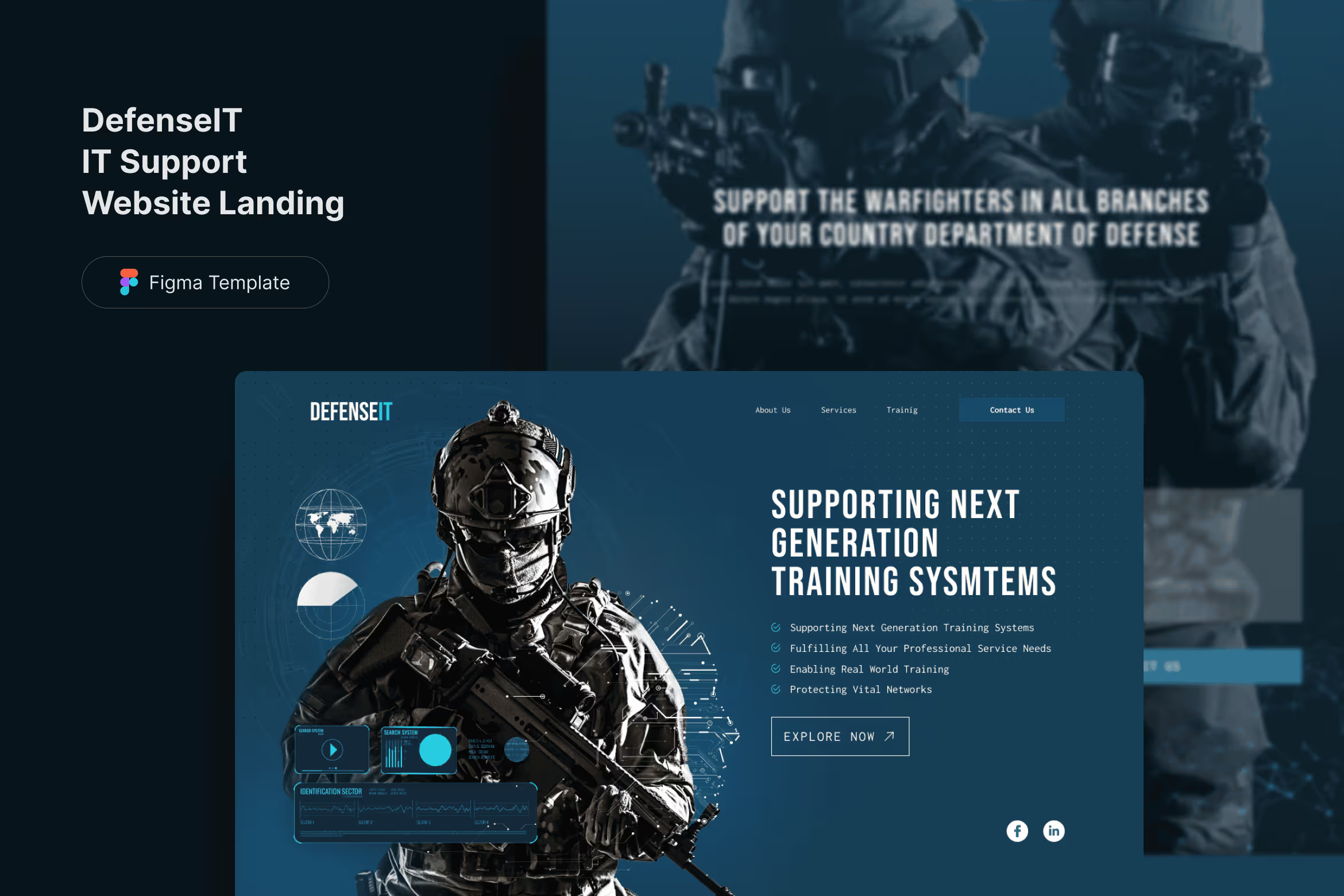
Nowadays, since everything go online, IT support website becomes even more famous. Many people and businesses look forward to working with this business to secure their websites. If you are one of the players who work in this industry, this landing page can help you strengthen your brand value. You can create a professional look with its futuristic and modern design style. Moreover, it has a firm color combination that puts deep blue ocean and white color. You can grab the attention of your visitors at the first glance with this captivating template.
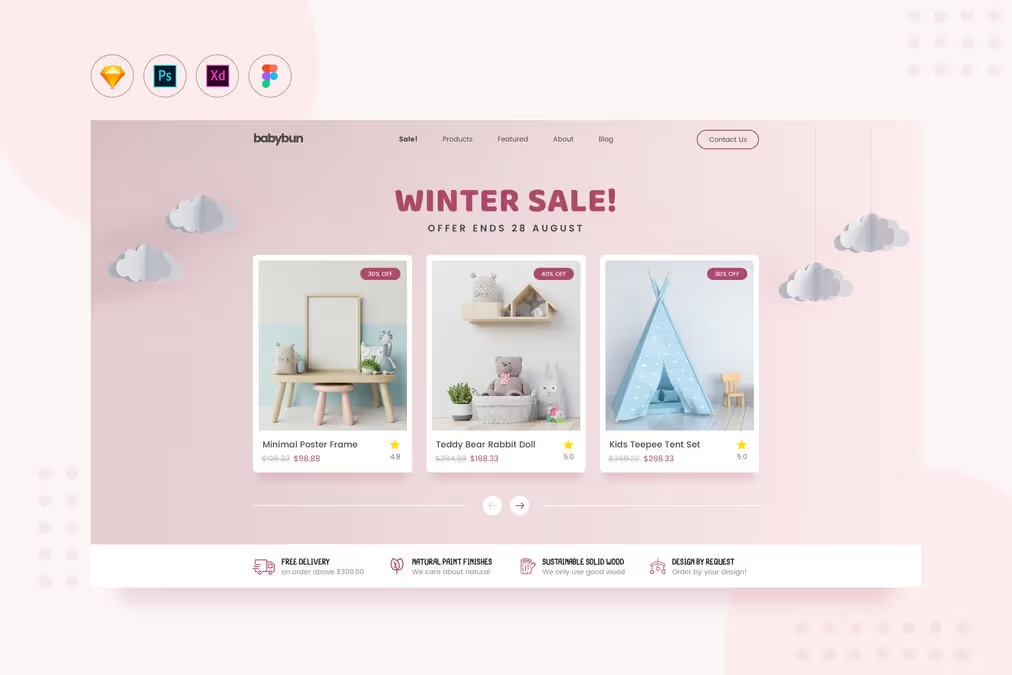
Are you looking for something soft and cute for your nursery business? Well, this template is meant for your then. It has a beautiful design with the domination of pink and white. This color palette is perfect for your nursery business. Other than that, the design is clean and eye-pleasant, making it even more fascinating. You can captivate and build trust in your audience with this cute template.
Another beautiful template comes on your plate to make your website even more professional. Floda is an HTML template that is perfect for your flower shop. It has an elegant and clean template showing off your professional side. You can see the beautiful color combination of white, and red, making it even more eye-catchy and attractive.
Even though UI and UX are often used interchangeably, they focus on different aspects of design. Understanding the difference between those two is essential to give the best experience for the users. To make your website even more appealing, using a ready-to-use template can be your best option. Worry not exploring and finding the best design for your business.

